


Featured images gallery
Inventory Management for Shopify POS Pro
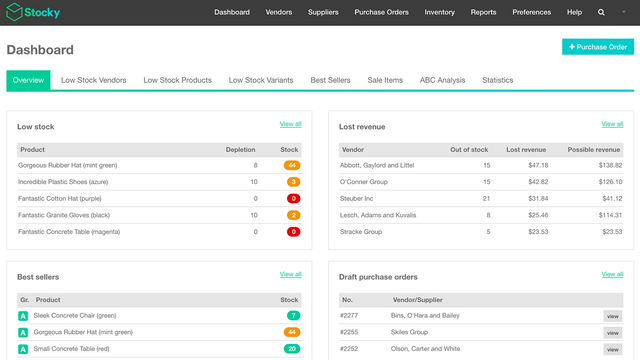
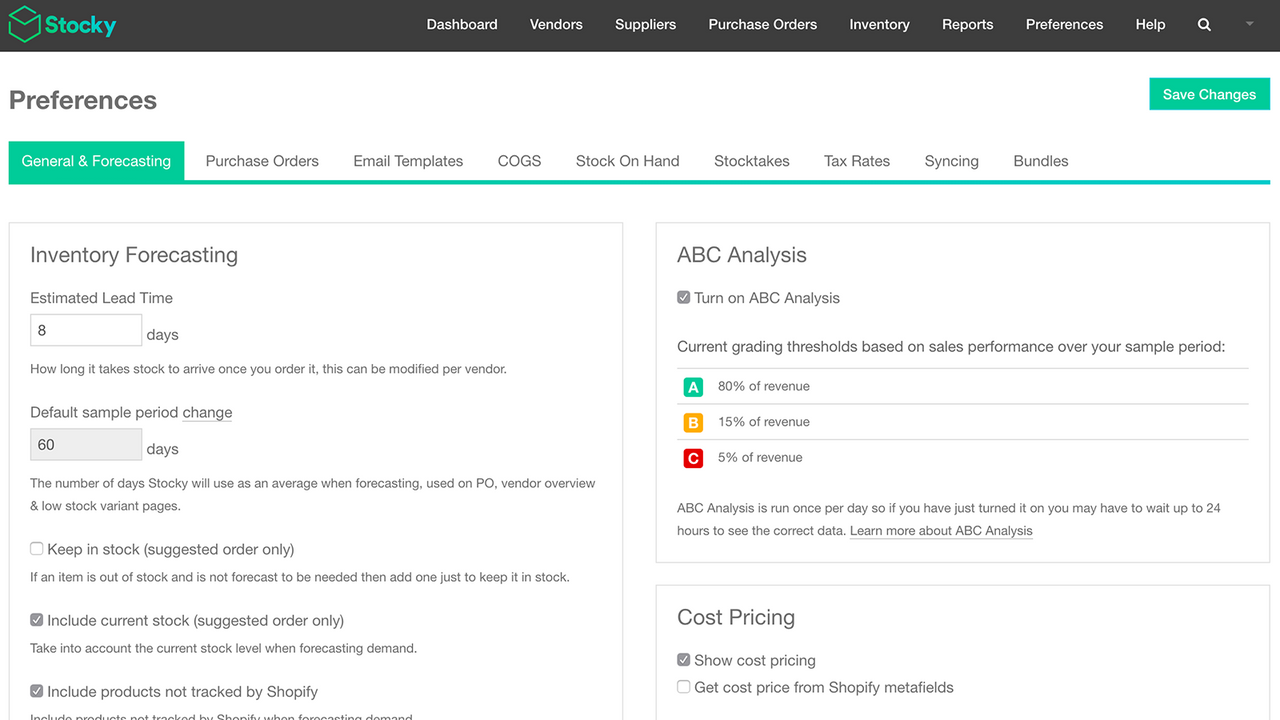
Effective inventory management is a strategic advantage to your brick and mortar retail business. Selling out of in-demand products can be harmful to your sales—but keeping too much inventory on hand can drain your resources. Leverage Stocky by Shopify to optimize your inventory decisions. Spend less time worrying about what products to purchase and more time maximizing your profits with the best product mix for your business, and enable in-store staff with integrated Shopify POS workflows.
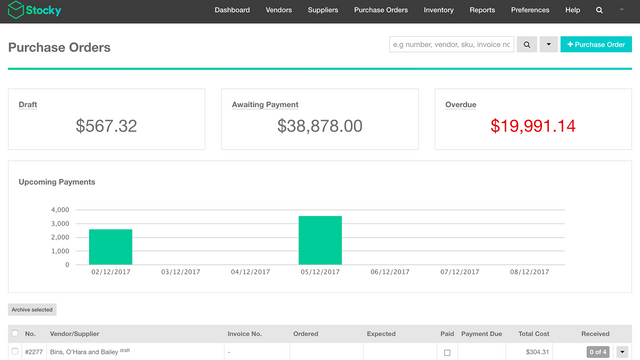
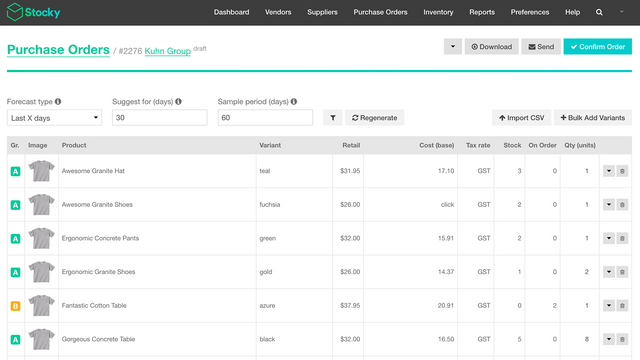
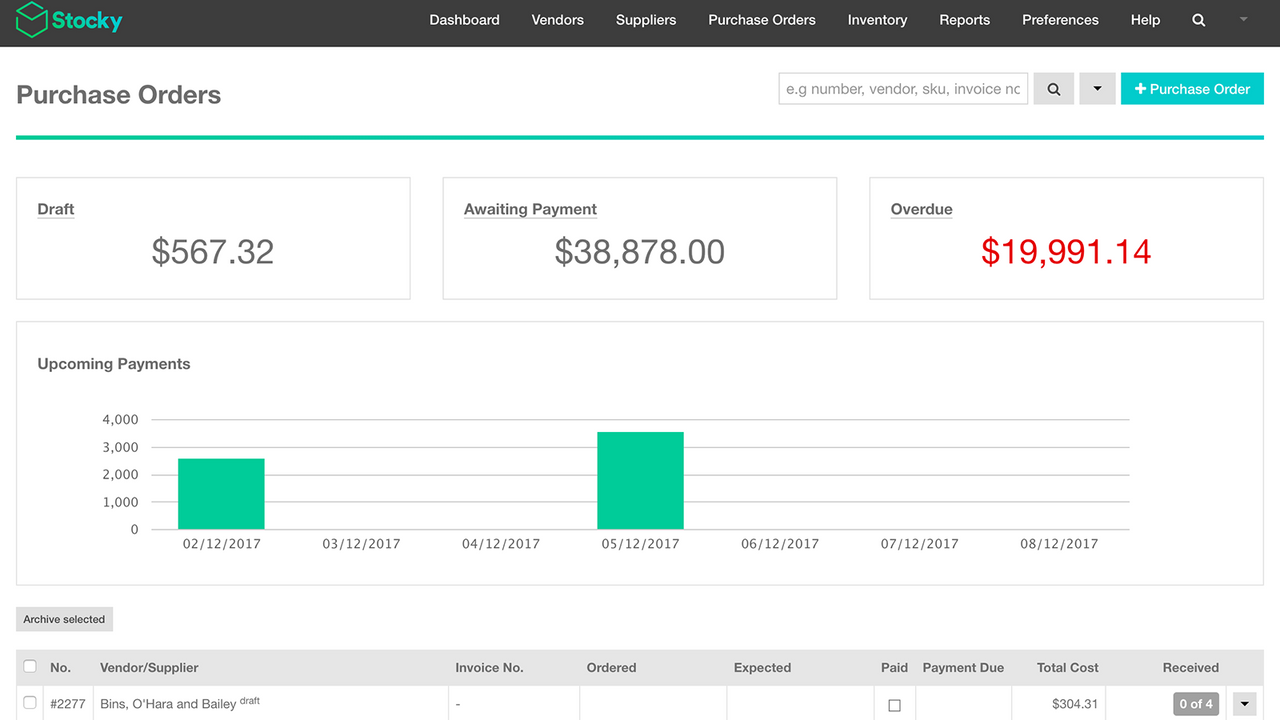
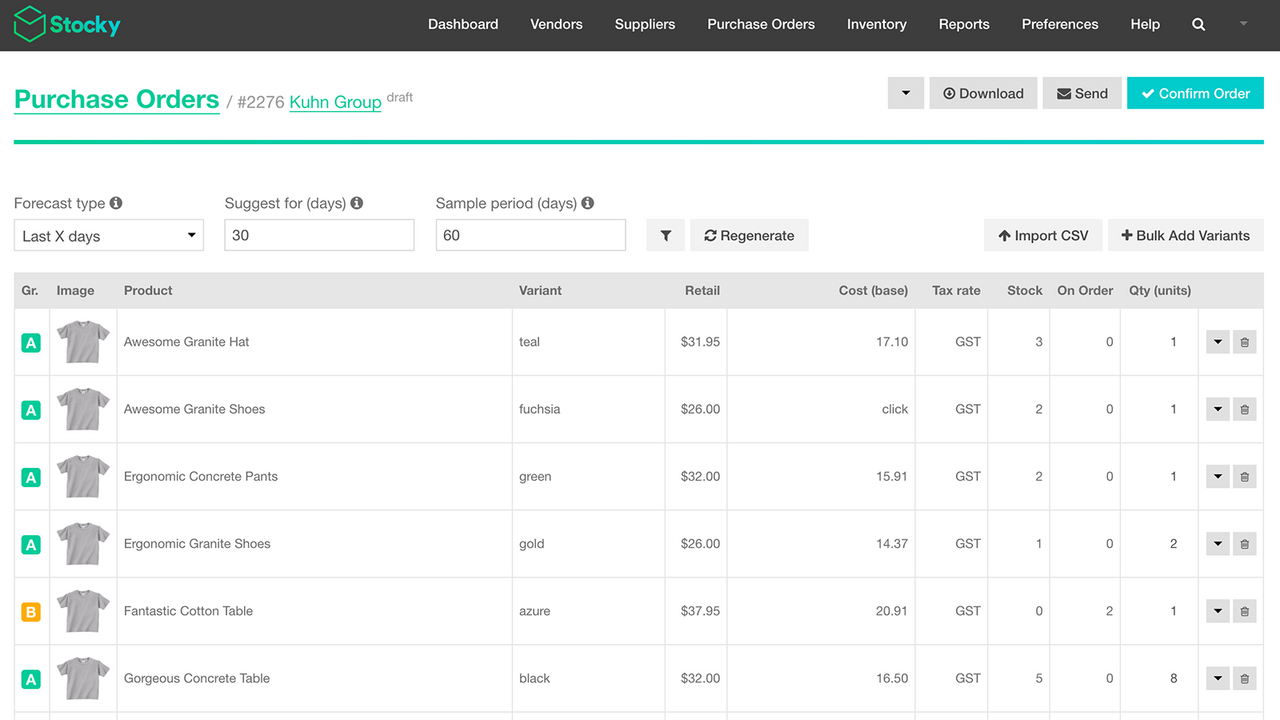
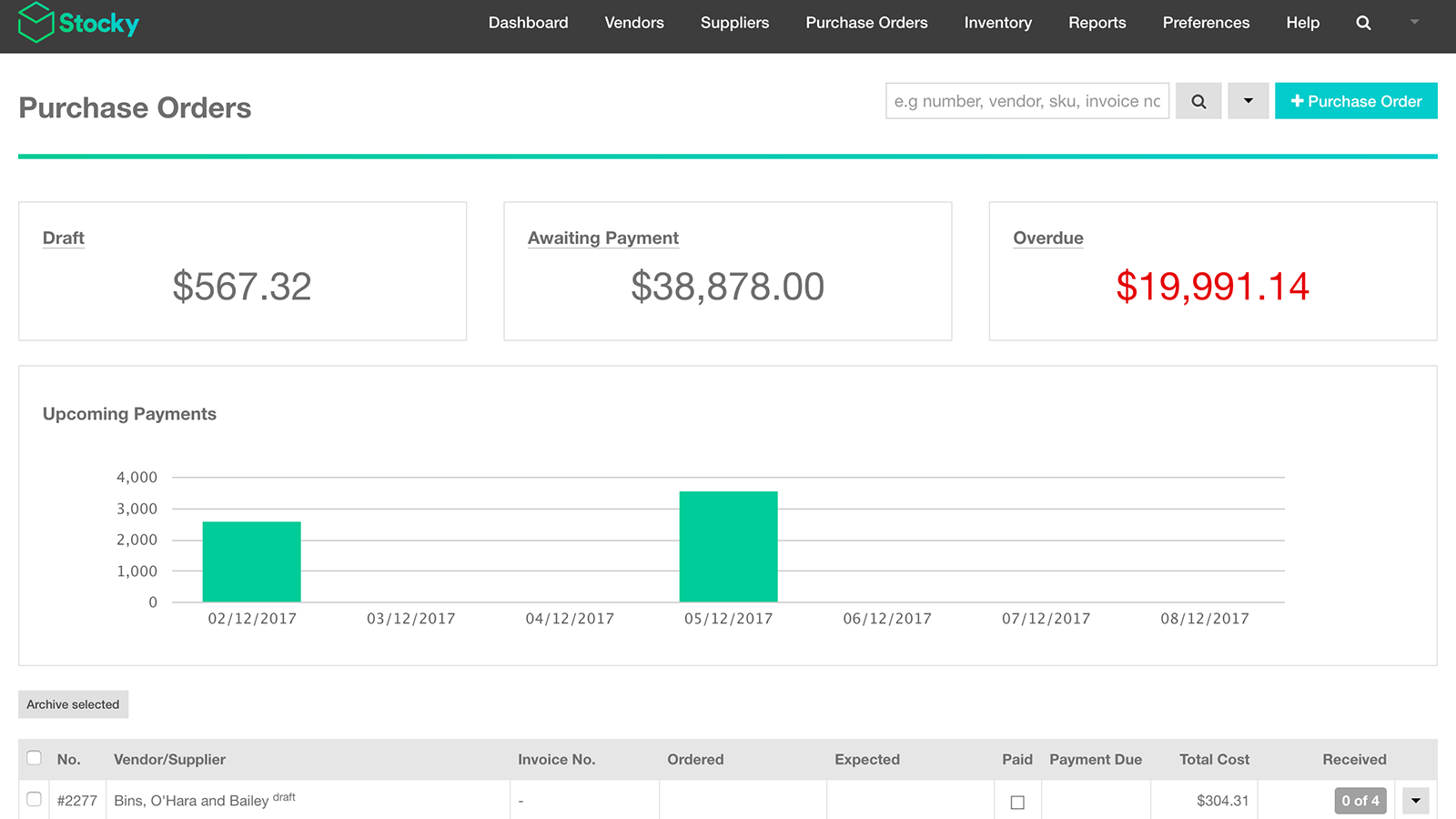
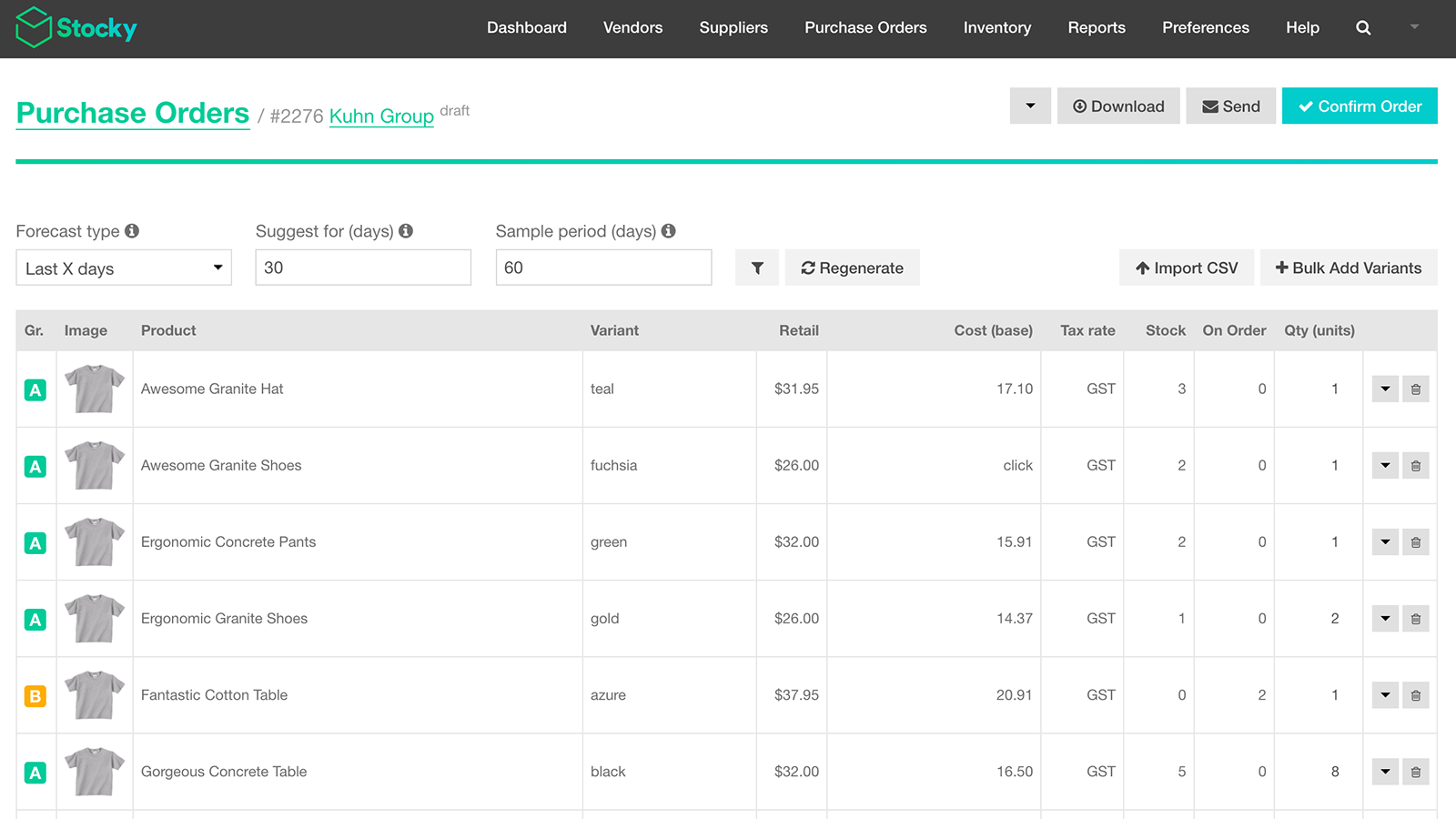
- Create and manage purchase orders and communicate with suppliers.
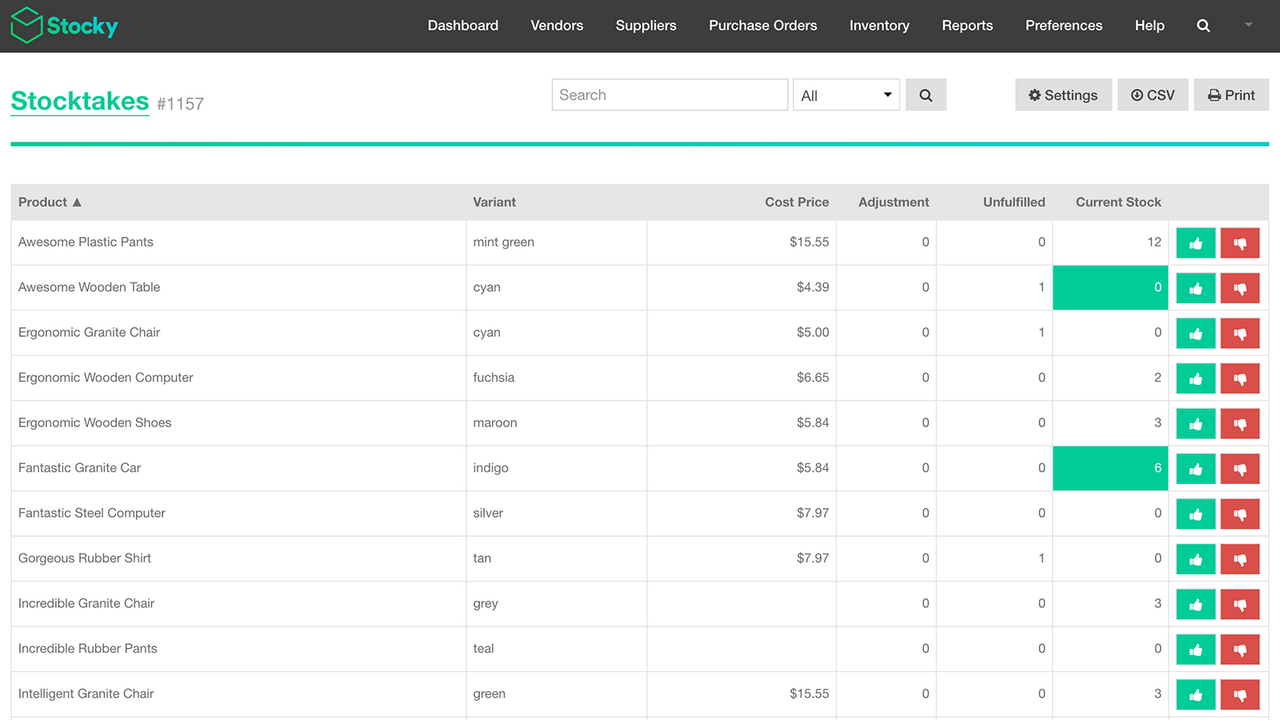
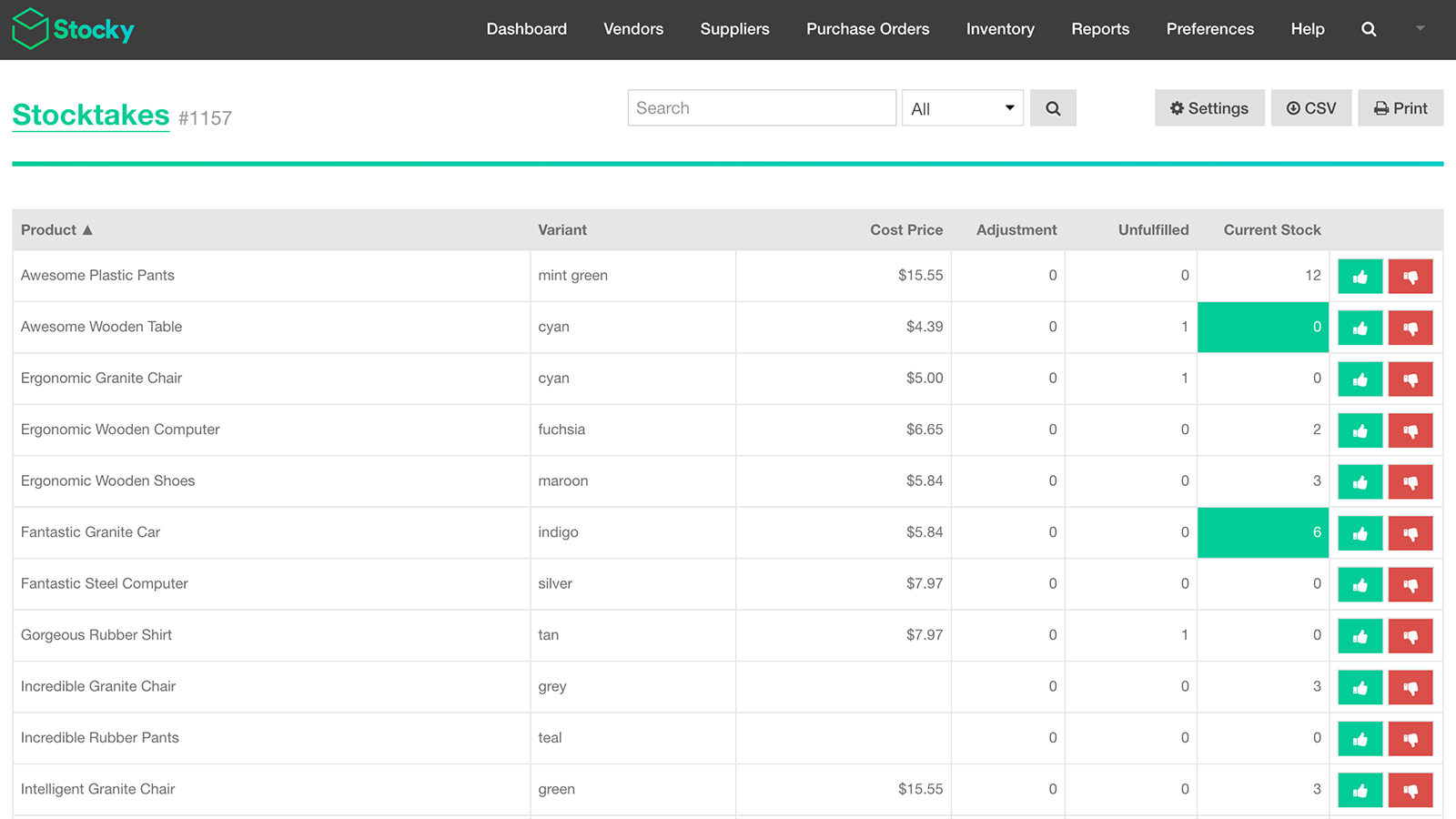
- Conduct stocktakes by counting or scanning stock on hand and make adjustments.
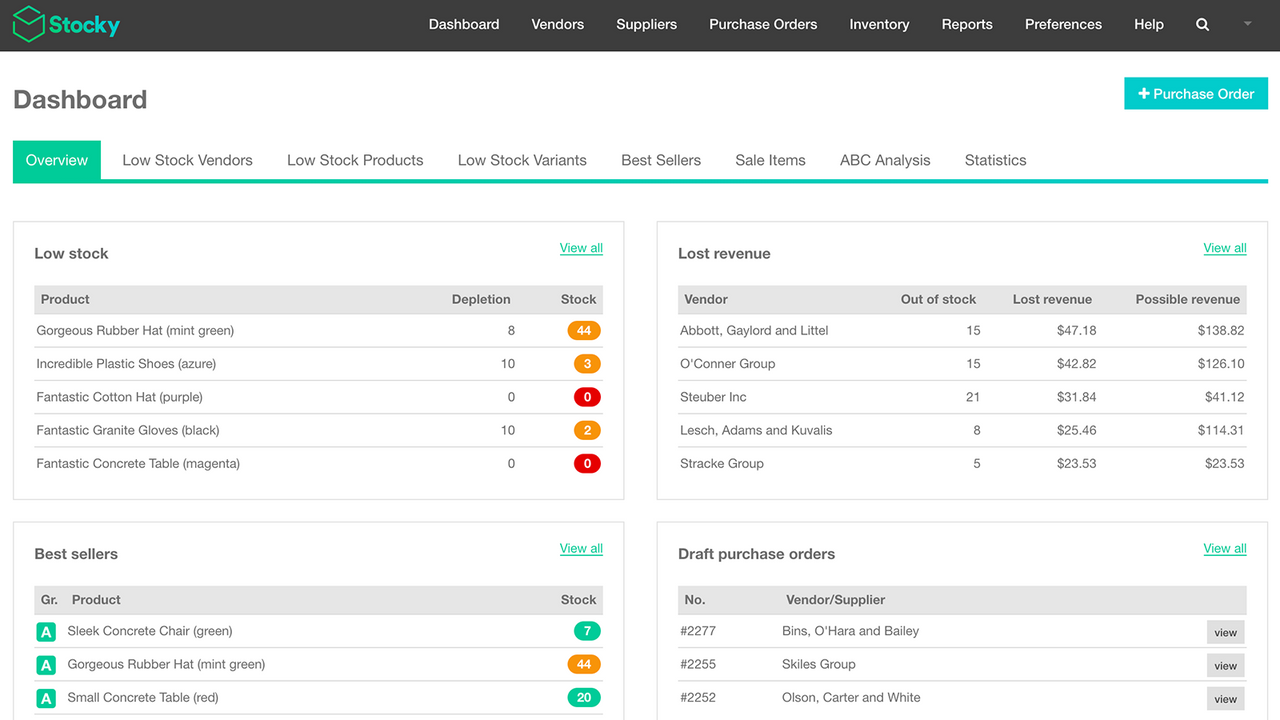
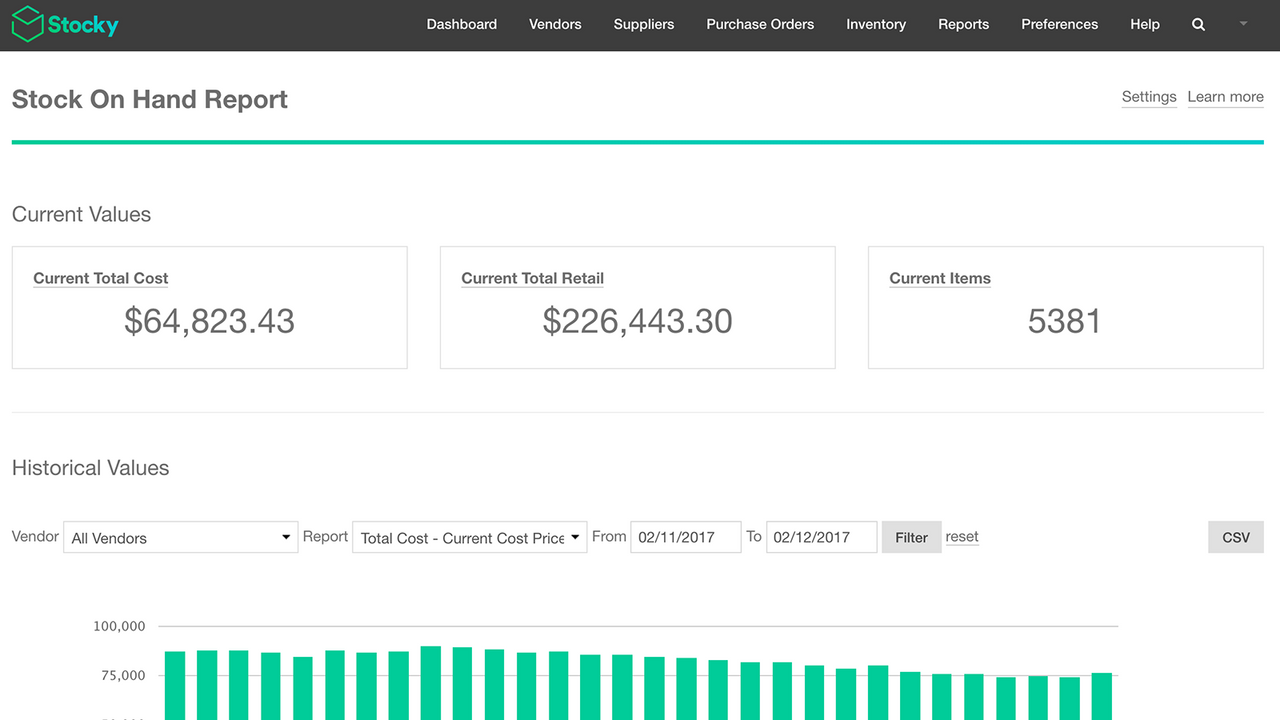
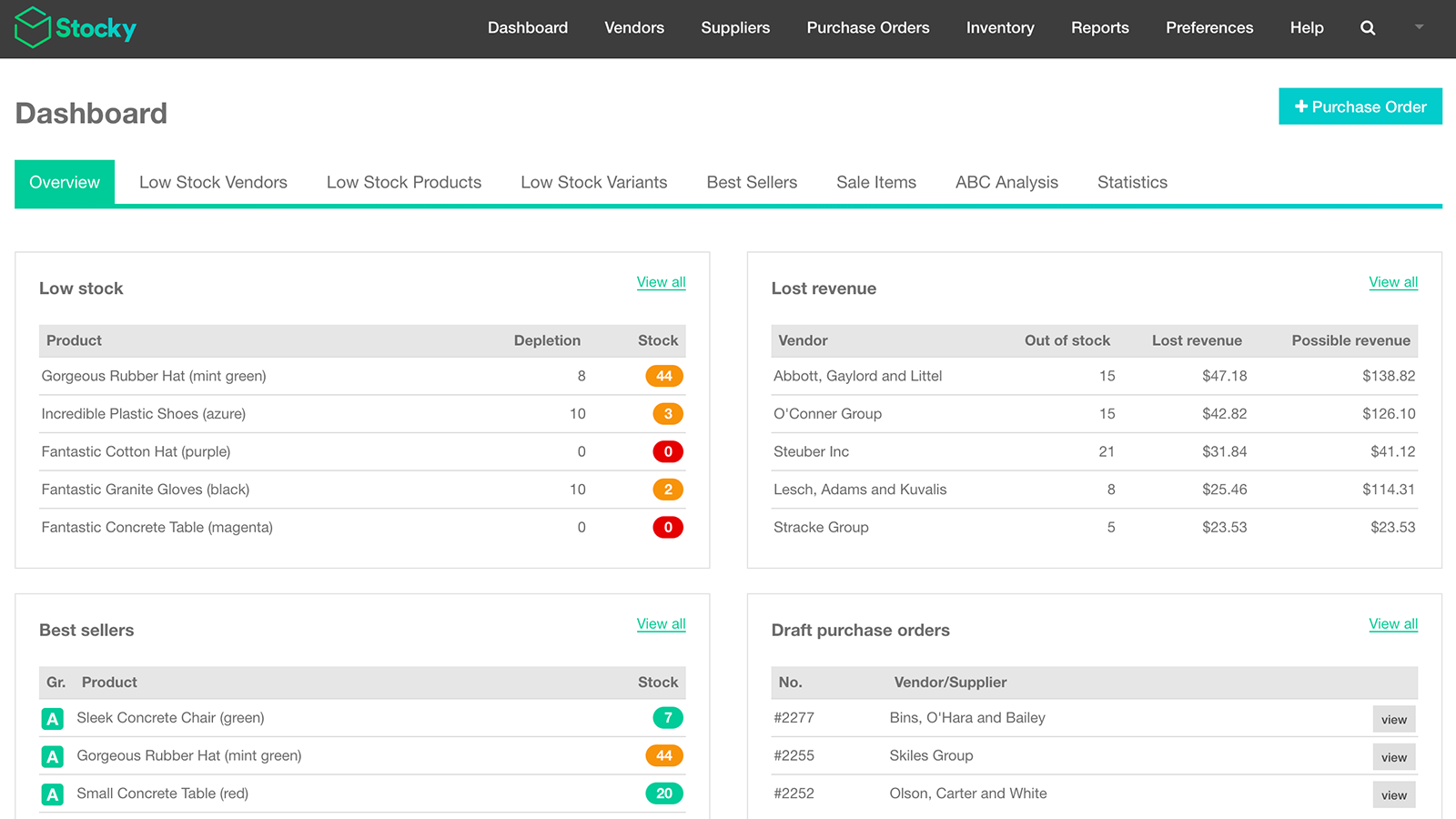
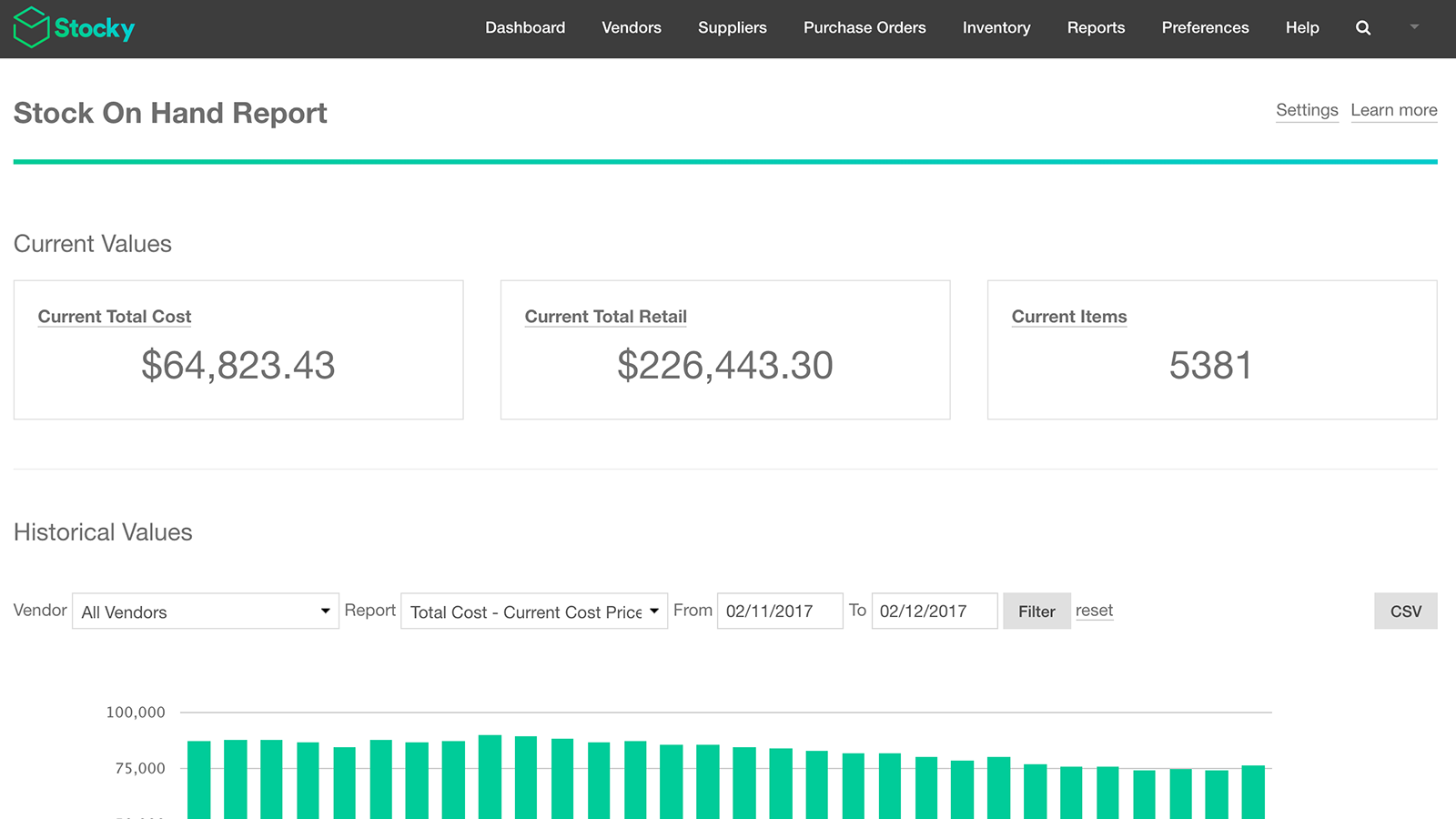
- Use in-depth reporting to make good inventory decisions through stock analytics.
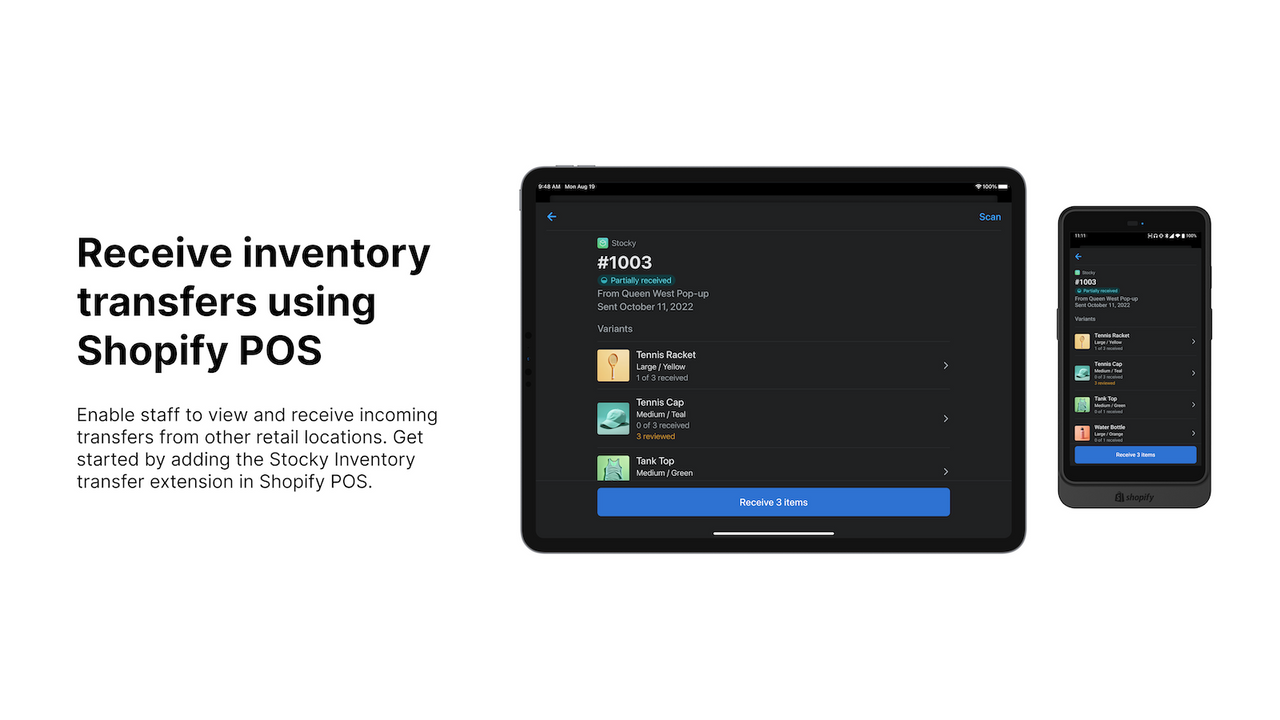
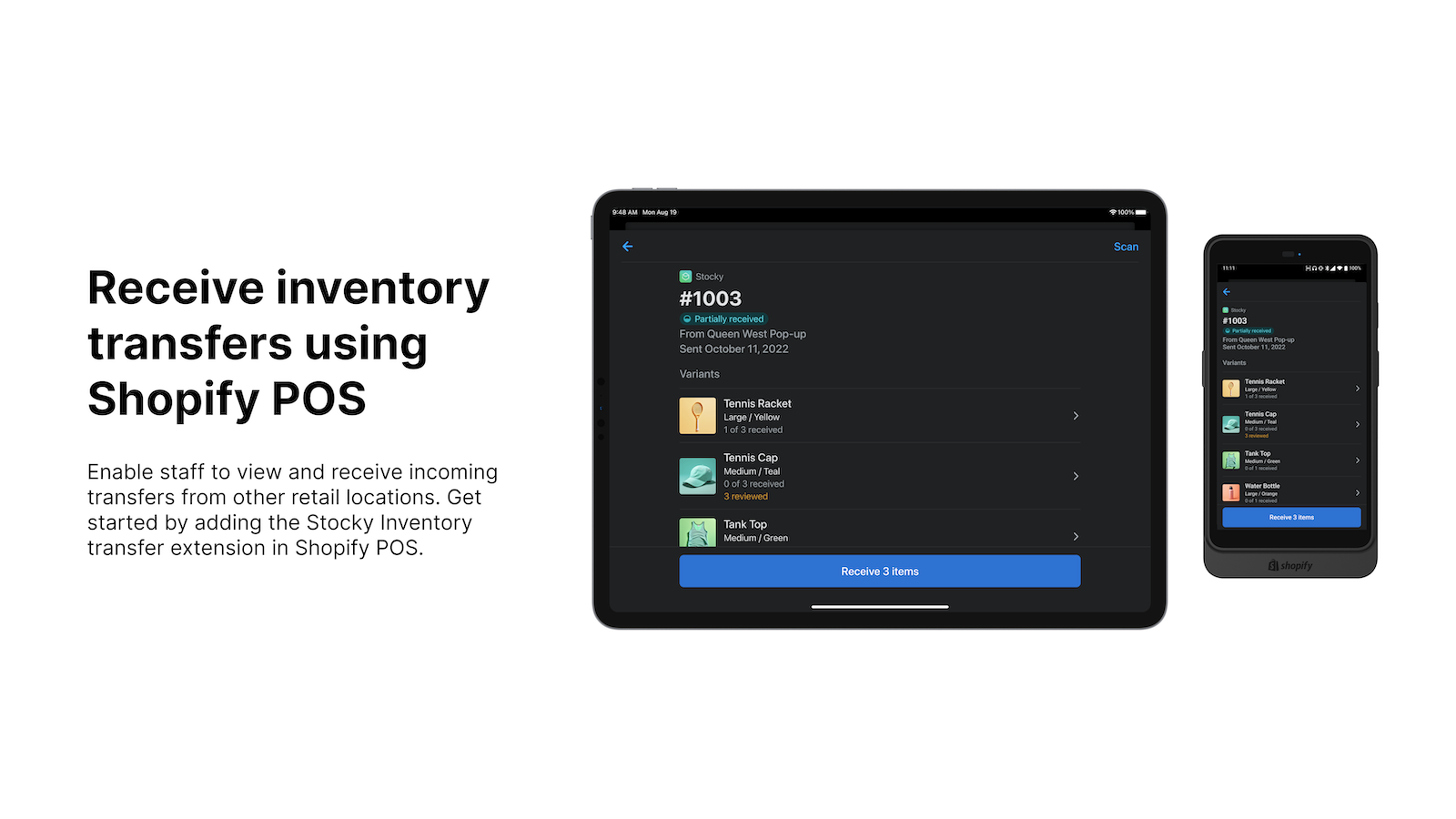
- Review and receive incoming inventory in Shopify POS.
- Use barcode scanning to speed up receiving inventory in Shopify POS.
- Popular with stores like yours
- Based in United States
Languages
English
Works with
Categories
Inventory management
Order management
Notifications and analytics
Pricing
Choose the plan that best fits your business.
Free
Free to install
Included with Shopify POS Pro subscription
All charges are billed in USD. See all pricing options
Reviews (210)
I have been using Stocky for over 2 years and it has met many of my inventory control needs. I just read somewhere that it will be no longer available as of August of 2026. Is this true? And If so, what is recommended as a replacement? I need to be able to track inventory, run summary with activity reports, make adjustments, create pos, etc.
All I wanted this app for was to have an easier time doing physical inventory of my store. This absolutely did not work. I was genuinely hoping for a way to simply scan all my product for my yearly inventory, but despite following all the instructions to set my scanner and do the actual scanning (and yes, I do have a compatible scanner), it did not work. So once again I will be doing inventory manually. One would think Shopify would have a good, functional physical inventory taking system, so it's frustrating and honestly baffling that they do not, especially after existing for so long.
Terrible. Says it works with Shopify POS. Then you install it, wonder why it doesnt work - and realise its pushing you to upgrade to Shopify POS Pro at $89 per month. I have no idea why they wouldn't allow small businesses on Shopify to have access to the app for even the most basic inventory management.
Support
App support provided by Shopify.
Data access
This app needs access to the following data to work on your store. Learn why in the developer's privacy policy .
View customer data:
Sensitive data, device and activity data
-
Sensitive data
Name, email address, phone number, physical address
-
Device and activity data
Geolocation, IP address, browser and operating system
View staff and contributor data:
Store owner
-
Store owner
Name, email address, phone number, physical address
View and edit store data:
Customers, products, orders
-
View customers
Customer data
-
Edit products
Inventory, products, collections
-
View orders
All order history
-
Edit other data
Inventory shipments, inventory shipments received items, inventory transfers, locations
More apps like this



Meets our highest standards for performance, design, and integration. Learn moreOpens in new window

Meets our highest standards for performance, design, and integration. Learn moreOpens in new window

